Snapchat – Check the New Find Friends Settings

Snapchat has introduced an important change for users under 18.
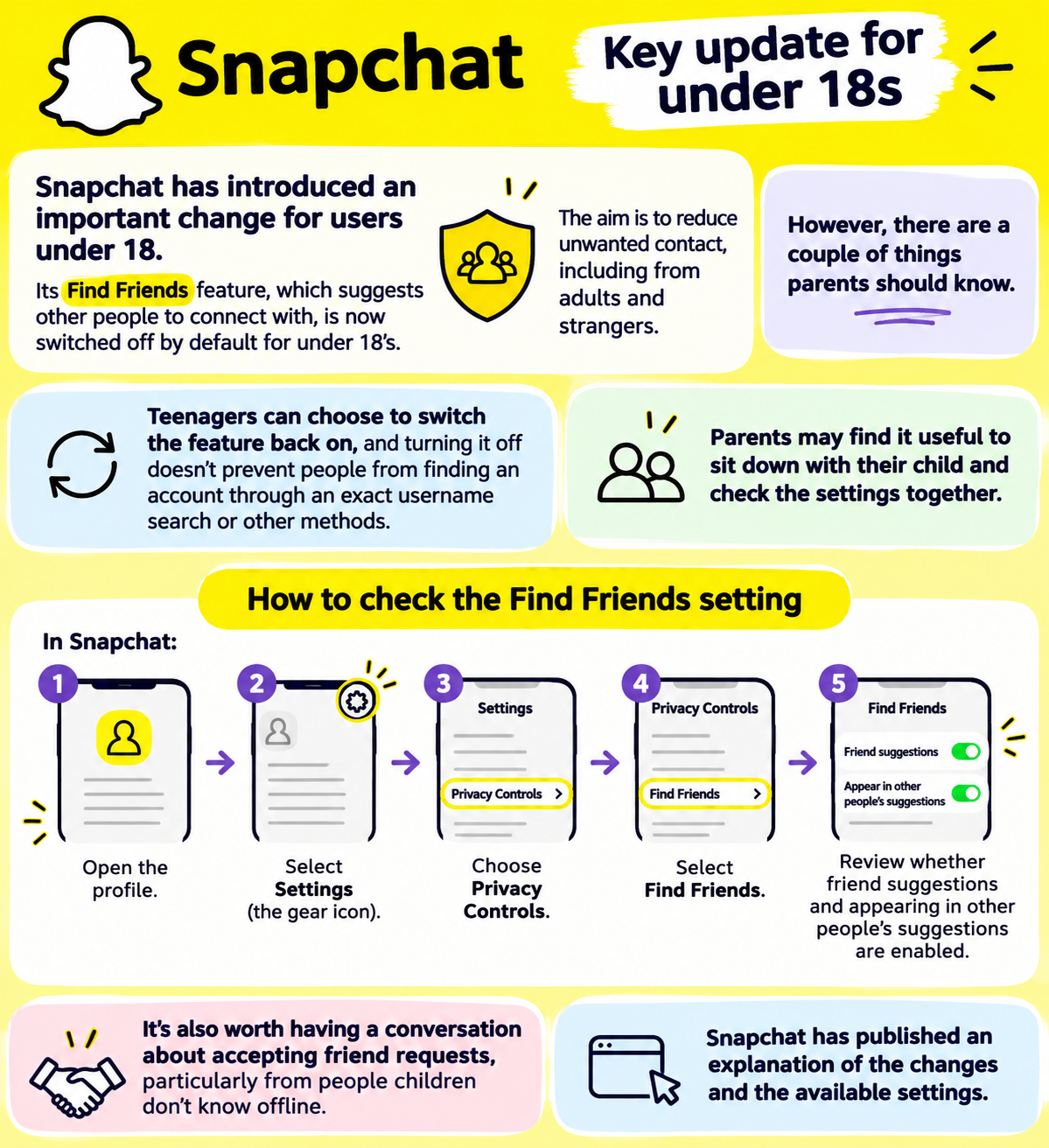
Its Find Friends feature, which suggests other people to connect with, is now switched off by default for under 18's. The aim is to reduce unwanted contact, including from adults and strangers. However, there are a couple of things parents should know.
Teenagers can choose to switch the feature back on, and turning it off doesn't prevent people from finding an account through an exact username search or other methods.
Parents may find it useful to sit down with their child and check the settings together.
In Snapchat:
- Open the profile.
- Select Settings (the gear icon).
- Choose Privacy Controls.
- Select Find Friends.
- Review whether friend suggestions and appearing in other people's suggestions are enabled.
It's also worth having a conversation about accepting friend requests, particularly from people children don't know offline.
Snapchat has published an explanation of the changes and the available settings.